

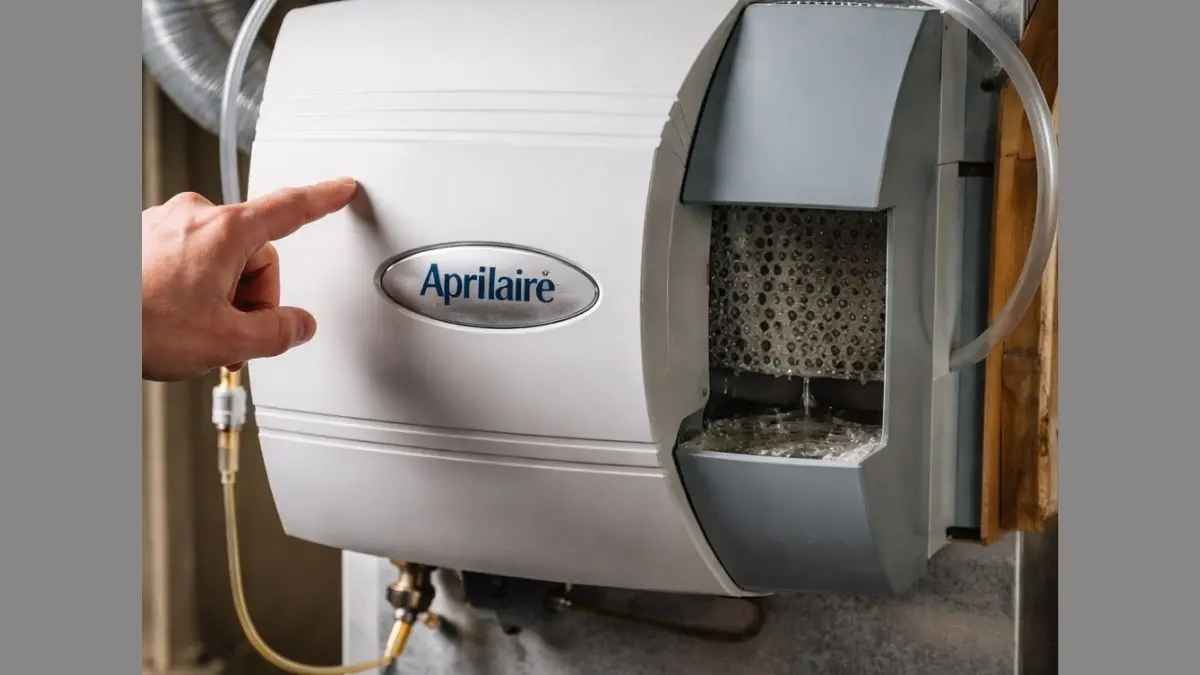
Is your Aprilaire water not flowing the way it should? This problem can be frustrating, especially when you rely on your humidifier to keep your home comfortable.
You might wonder what’s causing the issue and how to fix it quickly. You’ll discover simple steps to identify why your Aprilaire water isn’t flowing and easy solutions to get it working again. Keep reading to save time, avoid costly repairs, and enjoy the perfect humidity in your home once more.
Common Causes Of Water Flow Issues
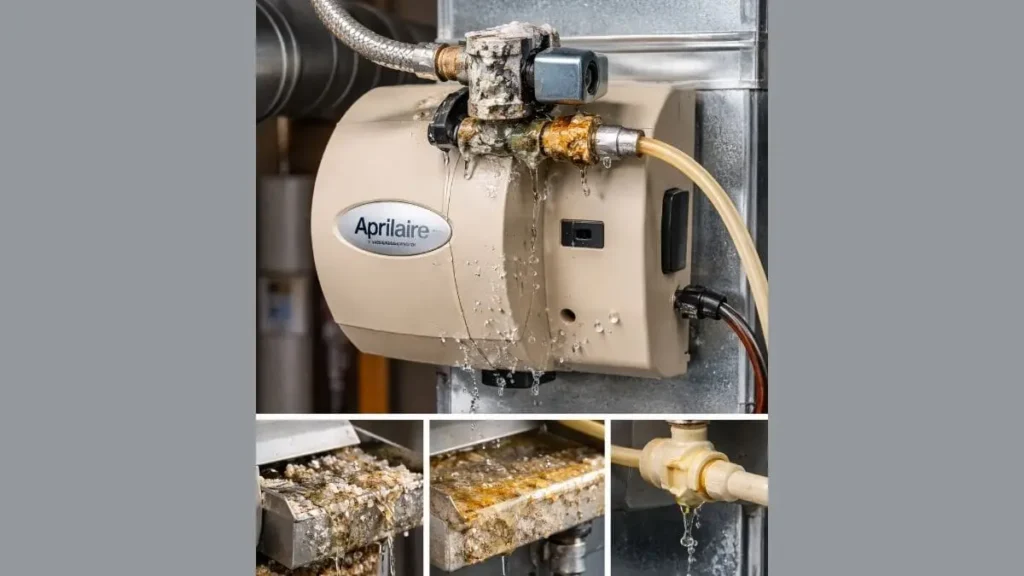
Water not flowing in an Aprilaire humidifier disrupts its performance and indoor comfort. Several issues can block or reduce water flow. Identifying common causes helps fix problems quickly.
Clogged Water Lines
Clogged water lines are a frequent reason for water flow problems in Aprilaire systems. Over time, minerals and debris can build up inside the pipes. This buildup narrows the passage, reducing water flow or stopping it completely.
Signs of clogged water lines include:
- Weak or no water flow to the humidifier
- Unusual noises from the system
- Water leakage or pooling around the unit
Faulty Water Valve
The water valve controls the flow of water into the Aprilaire humidifier. If the valve is faulty, it may fail to open or close properly. This can cause no water flow or constant water flow, leading to system damage.
Common problems with water valves include:
- Valve stuck in the closed position
- Valve leaking or dripping
- Valve not responding to the humidistat
Low Water Pressure
Low water pressure can prevent water from reaching the Aprilaire humidifier properly. Without enough pressure, the system cannot operate as designed. This issue is common in older homes or areas with water supply problems.
Causes of low water pressure include:
- Closed or partially closed main water valve
- Leaks in the water supply line
- Problems with the municipal water supply
- Clogged or corroded pipes
Frozen Pipes
Frozen pipes can block water flow entirely. Cold weather causes water inside pipes to freeze and expand, creating a solid blockage. This is a serious issue for Aprilaire systems in unheated spaces.
Indicators of frozen pipes:
- No water flow despite open valves
- Visible frost or ice on pipes
- Unusual noises from the pipes
Inspecting The Aprilaire System
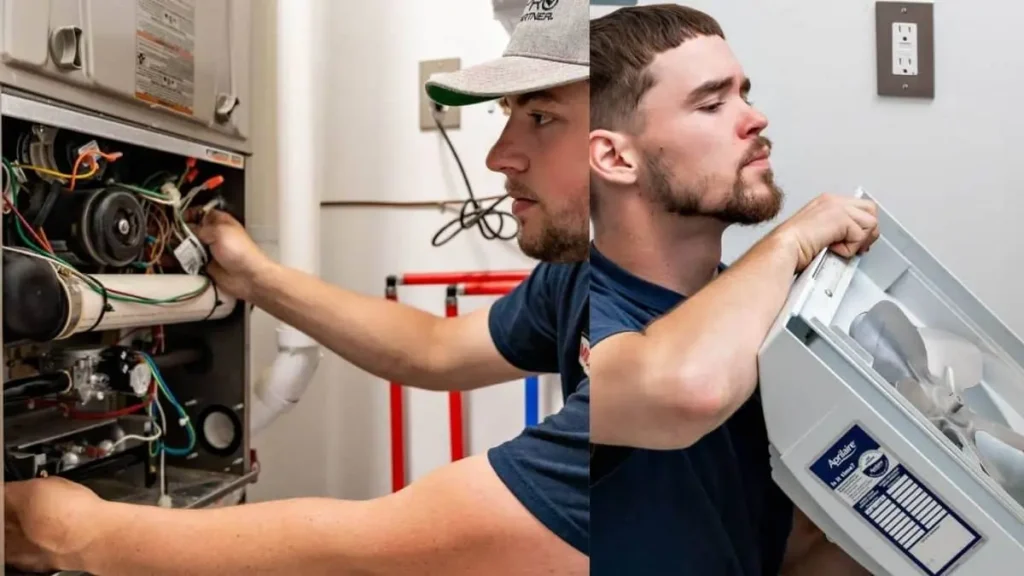
When your Aprilaire humidifier shows no water flow, it signals a problem needing a careful inspection. Inspecting the Aprilaire system helps identify the cause and brings your system back to proper work.
Checking The Water Supply
The water supply is the first place to check if the Aprilaire humidifier does not flow water. The humidifier depends on a steady water source to operate correctly. Start by confirming the water line is open and delivering water properly.
- Locate the shutoff valve: Ensure it is fully open and not partially closed.
- Inspect the water line: Look for kinks, leaks, or damage that block water flow.
- Check water pressure: Low pressure can prevent water from reaching the unit. A pressure below 20 psi may cause issues.
Examining The Solenoid Valve
The solenoid valve controls the water flow into the humidifier. It opens and closes based on signals from the humidifier control. If the valve fails, water will not flow even if the supply is fine.
Steps to check the solenoid valve:
- Turn off power and water: Safety first before inspecting the valve.
- Locate the valve: Usually near the water line connection to the humidifier.
- Test the valve coil: Use a multimeter to check for electrical continuity. No continuity means a faulty coil.
- Look for blockages: Remove the valve and check for debris or mineral buildup inside.
- Listen for clicking: When powered on, the valve should click as it opens and closes.
Reviewing The Humidifier Control Settings
The humidifier control regulates when and how much water flows through the system. Incorrect settings can stop water flow, even if the hardware works well.
Important control settings to check:
- Humidity level setting: Set too low, the system will not add moisture.
- Fan operation: Some models only allow water flow when the furnace fan runs.
- Manual override: Ensure it is off unless manually controlling water flow.
Steps to review control settings:
- Locate the control panel on the humidifier or thermostat.
- Verify the humidity level matches your desired setting.
- Check if the system requires the furnace fan to be on for water flow.
- Reset the control unit to factory defaults if settings seem incorrect.
You May Also Like: Aprilaire 700 Humidifier Installation
Troubleshooting Steps
When the Aprilaire water is not flowing, quick troubleshooting helps find the problem. Water flow issues can stop the humidifier from working well. Follow clear steps to check and fix common causes.
Cleaning Or Replacing Filters
Dirty or clogged filters often block water flow in the Aprilaire system. Filters trap dust and debris, so they need regular care. Check the filter every 3 to 6 months. A dirty filter reduces water flow and lowers humidifier efficiency.
Steps to clean or replace filters:
- Turn off the system and unplug power to avoid accidents.
- Open the filter compartment carefully.
- Remove the filter and check for dirt or buildup.
- If the filter is washable, rinse it under running water.
- Let the filter dry completely before putting it back.
- Replace the filter if it looks worn or damaged.
- Close the compartment and restore power.
Resetting The System
Resetting the Aprilaire system can clear faults causing water flow problems. It refreshes the system’s controls and can fix minor errors. Follow these steps to reset your humidifier:
- Turn off the humidifier and unplug it from the power source.
- Wait for about 5 minutes to allow the system to cool down.
- Press and hold the reset button (if available) or follow the manual’s reset instructions.
- Plug the system back in and switch it on.
- Check if water flow resumes normally.
Testing Electrical Connections
Loose or faulty electrical connections can stop water from flowing in the Aprilaire system. The system needs power to run the water valve and control board. Testing these connections ensures power flows correctly.
Steps to check electrical connections:
- Turn off power to the humidifier at the breaker panel.
- Open the access panel to reach wiring and control board.
- Look for loose, disconnected, or corroded wires.
- Tighten any loose wire nuts or screws.
- Use a multimeter to check voltage at key points:
After checking, close panels and restore power. Confirm water flows properly. Electrical issues often cause water valves to stay closed. Fixing wiring problems restores normal function.
Conclusion
Aprilaire water not flowing can cause discomfort at home. Check the water supply and filters first. Clean any blockages you find. Make sure the system is plugged in and turned on. Small fixes often solve the problem quickly. If issues continue, call a professional for help.
Regular maintenance keeps your humidifier working well. A little care goes a long way in keeping your air comfortable and healthy. Don’t ignore water flow problems; act early to avoid bigger repairs. Stay proactive to enjoy a cozy home environment.