
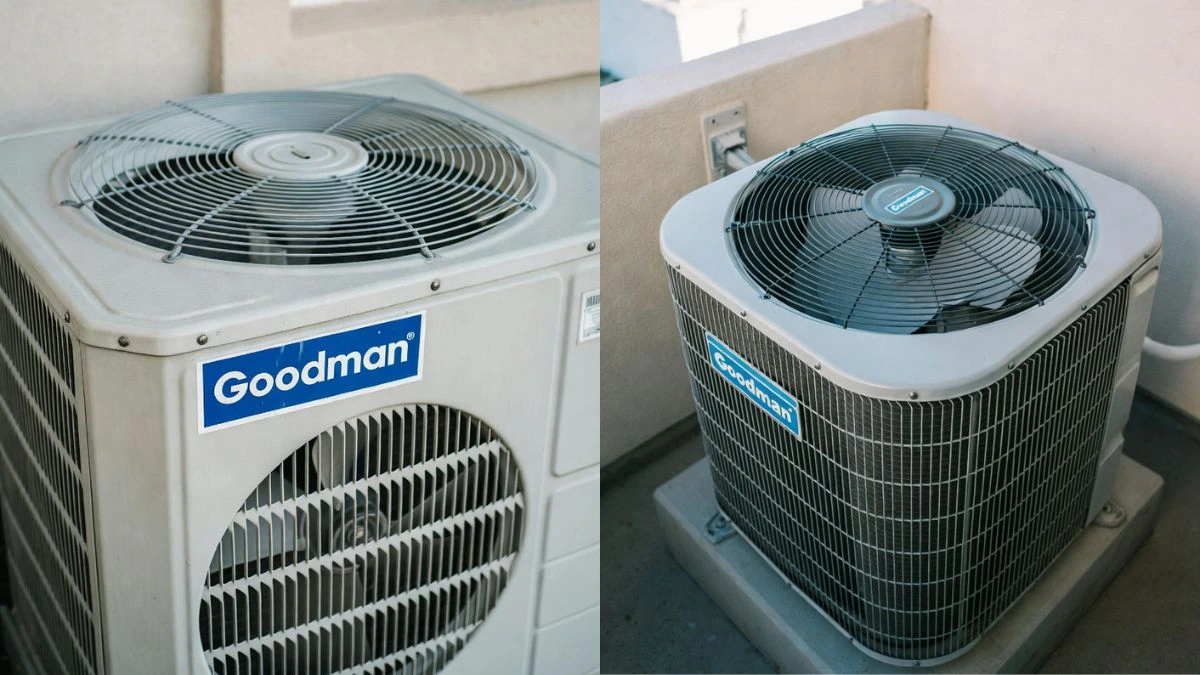
Is your Goodman air conditioner fan not running when it should? This can be frustrating, especially when the heat is rising and you need cool air fast.
You might wonder if it’s a simple fix or something more serious. Don’t worry—you’re not alone, and this problem often has easy solutions. Keep reading to discover why your Goodman AC fan might stop working and what you can do to get your home feeling comfortable again quickly.
Common Reasons Fan Stops
Goodman air conditioner fans may stop running due to several common issues. These problems affect the fan’s ability to circulate cool air effectively. Understanding these causes helps in quick diagnosis and timely repairs. The fan may stop suddenly or run intermittently. This can lead to poor cooling and higher energy bills.
Power Supply Issues
Power supply problems are a leading cause of fan failure in Goodman air conditioners. Without the right power, the fan motor cannot run. These issues can be simple or complex. A common problem is a tripped circuit breaker. It cuts power to the fan to prevent electrical damage. Loose or damaged wiring also stops the fan from working.
- Tripped breakers: Check your breaker panel for any switches turned off.
- Blown fuses: Fuses protect circuits but need replacement if blown.
- Loose wiring connections: Wires can become disconnected or frayed over time.
Ensuring stable power flow is essential. Regular electrical inspections can prevent these issues. Never handle electrical components without proper safety measures.
Faulty Capacitor
The capacitor helps start and run the fan motor smoothly. A faulty capacitor often causes the fan to stop running. It stores and releases electrical energy to keep the motor spinning. When it fails, the motor struggles to start or stops suddenly.
Signs of a bad capacitor include:
- Humming sound without fan movement
- Fan starts slowly or not at all
- AC unit turns on but no airflow
Motor Problems
The fan motor is the heart of the air conditioner fan system. Motor problems can stop the fan from running. Over time, motors wear out due to heat, dust, or age. Bearings inside the motor may seize, causing the fan to stop.
Common motor issues include:
- Burnt windings that prevent motor operation
- Worn bearings causing noise and seizing
- Overheating due to poor ventilation
Thermostat Malfunctions
The thermostat controls when the fan turns on and off. A malfunctioning thermostat can stop the fan from running. It may fail to send the signal to start the fan motor. Sometimes, the thermostat reads the wrong temperature, causing fan issues.
Common thermostat problems:
- Incorrect wiring or loose connections
- Faulty temperature sensor
- Dead batteries in digital thermostats
Clogged Air Filters
Clogged air filters can indirectly cause the fan to stop. Dirty filters reduce airflow, causing the system to overheat. The fan motor may shut down to prevent damage. Restricted airflow also lowers cooling efficiency.
Signs of clogged filters:
- Reduced air coming from vents
- Fan runs but no cooling effect
- Higher energy consumption
Troubleshooting Steps
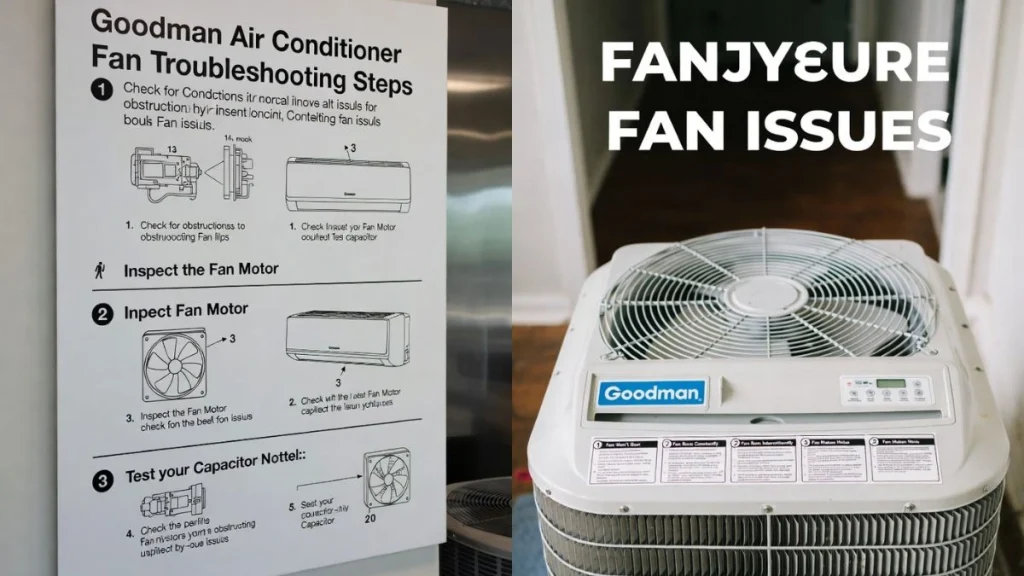
When the fan of your Goodman air conditioner stops running, the unit cannot cool your home effectively. Troubleshooting helps find the cause and fix it quickly. Start with simple checks before calling a technician. Follow these clear steps to identify common problems and solutions. This guide breaks down the process into easy tasks anyone can do safely.
Checking Electrical Connections
Loose or broken electrical connections often cause the fan to stop working. Start by turning off the power to the AC unit at the breaker to avoid shocks.
- Open the service panel on the outdoor unit.
- Look for any loose wires or disconnected terminals.
- Check for signs of burn marks or corrosion on wires.
- Tighten any loose screws holding wires in place.
- Inspect the contactor and relay for damage or wear.
Testing The Capacitor
The capacitor helps the fan motor start and run smoothly. A faulty capacitor often causes the fan not to spin. Testing it requires a multimeter with a capacitance setting.
Follow these steps carefully:
- Turn off the power at the breaker.
- Discharge the capacitor by touching the terminals with a screwdriver (use an insulated handle).
- Remove the capacitor from the unit.
- Set the multimeter to measure capacitance (microfarads, µF).
- Connect the meter leads to the capacitor terminals.
- Compare the reading to the capacitor’s rating printed on its label.
| Capacitor Rating | Acceptable Reading Range |
| 10 µF | 9.5 to 10.5 µF |
| 20 µF | 19 to 21 µF |
A reading far below the rating means the capacitor is bad and needs replacement. A damaged capacitor may cause humming sounds or no fan movement.
Inspecting The Fan Motor
The fan motor itself can fail due to wear, dirt, or electrical issues. Check the motor for these signs:
- Burnt smell or visible damage on the motor casing.
- Fan blades stuck or hard to turn by hand.
- Unusual noises like grinding or squealing.
Steps to inspect the motor:
- Turn off power to the unit.
- Remove the fan cage or grille.
- Try to spin the fan blades gently.
- Look for obstructions or dirt buildup on blades.
- Check motor wiring for damage or loose connections.
Examining The Thermostat
The thermostat controls when the fan runs by signaling the AC system. A faulty thermostat can prevent the fan from starting.
Check the thermostat by following these tips:
- Ensure the thermostat is set to “Cool” mode.
- Set the temperature lower than the room temperature.
- Replace batteries if the thermostat uses them.
- Look for physical damage or loose wires behind the thermostat.
- Reset the thermostat by turning it off and on.
For digital thermostats, try this test:
- Turn off the AC power.
- Remove the thermostat cover.
- Use a multimeter to check continuity between the R and Y terminals.
- If no continuity, the thermostat may be defective.
Replacing a faulty thermostat often restores fan operation quickly.
Cleaning Or Replacing Filters
Dirty air filters reduce airflow and cause the fan to work harder or stop. Cleaning or replacing filters improves performance and fan function.
Steps to maintain filters:
- Turn off the air conditioner.
- Locate the air filter inside the return air vent or air handler.
- Remove the filter carefully.
- Check if it is clogged with dust and dirt.
- Clean washable filters with water and let dry completely.
- Replace disposable filters with new ones matching size and rating.
DIY Repairs
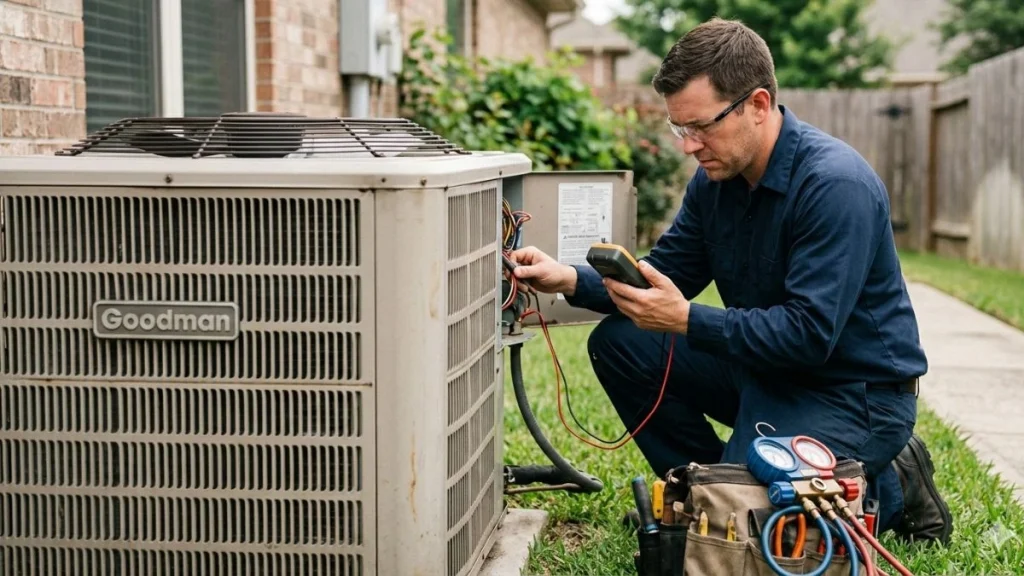
When your Goodman air conditioner fan stops running, it can make your home uncomfortable. Some problems are easy to fix at home without calling a technician. This section covers simple DIY repairs to get the fan working again. These steps save time and money. Always turn off the power before starting any repair. Use tools carefully and follow safety tips.
Replacing The Capacitor
The capacitor helps the fan motor start and run smoothly. A bad capacitor often causes the fan not to run. You can test and replace the capacitor yourself with basic tools.
- Turn off power to the air conditioner at the breaker box.
- Locate the capacitor inside the outdoor unit. It looks like a small metal cylinder or oval.
- Use a screwdriver to remove the panel covering the capacitor.
- Discharge the capacitor by touching its terminals with a screwdriver handle (use insulated tools).
- Note the wire connections or take a photo before removing wires.
- Remove the old capacitor and replace it with a new one of the same microfarads (µF) rating.
- Reconnect the wires exactly as before.
- Put the panel back and restore power.
- Turn on the AC and check if the fan runs.
Capacitor Ratings Table:
| AC Model | Capacitor Rating (µF) | Voltage |
| Goodman GSX13 | 35/5 | 370V |
| Goodman GSX16 | 40/5 | 370V |
| Goodman GSX17 | 45/5 | 370V |
Warning: Do not attempt this if you feel unsure. Capacitors store electricity and can shock you.
Resetting The Thermostat
The thermostat controls the fan and cooling system. Sometimes, it stops sending the right signal. Resetting the thermostat may fix the fan issue quickly.
- Turn off the air conditioner and thermostat power.
- Remove the thermostat from the wall carefully.
- Look for a small reset button or switch on the back or inside.
- Press and hold the reset button for 5 to 10 seconds.
- If no reset button exists, remove the thermostat batteries for 5 minutes.
- Reinstall the thermostat and turn the power back on.
- Set the thermostat to “Cool” mode and lower the temperature below room temperature.
- Listen for the fan to start running.
Cleaning Fan Components
Dirt and dust build-up can block the fan from moving or cause it to stop. Cleaning fan parts improves airflow and performance.
- Turn off power to the unit at the breaker.
- Remove the fan grill or cover carefully.
- Use a soft brush or vacuum cleaner to remove dust from fan blades and motor.
- Wipe fan blades with a damp cloth to remove sticky dirt.
- Check for any debris stuck in the fan motor or housing.
- Make sure the fan blades spin freely by hand.
- Lubricate the fan motor bearings if recommended by the manufacturer.
- Reassemble the cover and restore power.
Conclusion
A Goodman air conditioner fan not running can cause discomfort fast. Check the power, thermostat, and fan motor first. Sometimes, cleaning the fan or replacing a fuse solves the issue. Regular maintenance helps keep your AC running smoothly. Don’t wait too long to fix the problem.
A working fan keeps your home cool and air fresh. Simple steps can save time and money. Stay comfortable all summer by acting quickly on fan problems.